
AI & Tools
New AI Tools Worth Watching: Emerging Tools and Trends
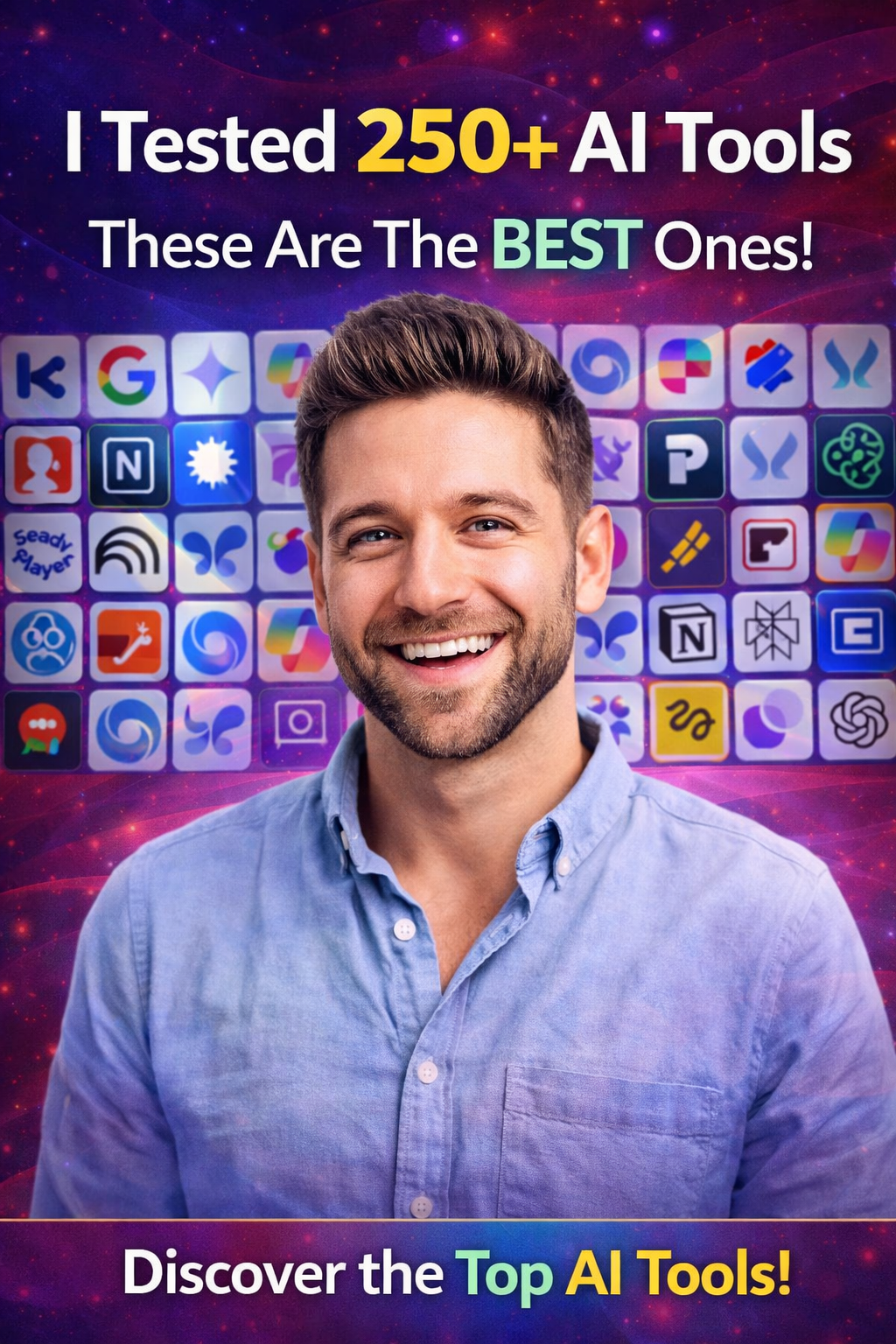
New AI tools appear constantly, but not every new launch is worth adding to your workflow. Some introduce genuinely useful ways to create, research, automate or work with information, while others mainly add another option to an already crowded category.
This page is designed as a regularly updated AI discovery guide. Unlike our evergreen AI pillar pages, it focuses on newer tools, notable product developments and emerging categories worth watching. The list should be reviewed periodically because products, features and availability can change quickly.
How to Use This New AI Tools Guide
Do not treat this page as a checklist of tools to sign up for. Use it to identify products that may solve a specific problem in your workflow.
For each type of tool, ask:
- What problem does it solve?
- Is that problem important to my work?
- Can my current software already do this?
- Can I test it before paying?
- Will it reduce work or simply add another platform?
New AI Tool Categories Worth Watching
1. AI Coding Agents and Development Assistants
One of the most important areas to watch is AI software development. New tools are moving beyond answering coding questions and toward helping developers plan, write, test and review parts of a project.
What to watch for: Better context handling, development-environment integration, testing support and greater control over generated changes.
Who may benefit: Developers, technical founders and teams building software.
2. AI Agents for Repeated Digital Tasks
AI agents are designed around multi-step work rather than a single prompt and answer. The useful question is not whether an agent looks impressive in a demonstration but whether it can reliably complete a repeated process with appropriate human oversight.
What to watch for: Clear task control, reliable execution, permission management and transparent review steps.
Who may benefit: Businesses and professionals with repetitive digital workflows.
3. New AI Research and Knowledge Tools
Research tools are increasingly combining search, source discovery, document analysis and knowledge organisation. The most useful developments will make it easier to trace information and work with large collections of material.
What to watch for: Source visibility, document handling, organisation and easier verification.
Who may benefit: Researchers, students, writers and knowledge workers.
4. AI Video Generation and Editing Tools
Video remains one of the fastest-moving AI categories. New tools continue to improve generation, editing, visual transformation and production workflows.
What to watch for: Better consistency, controllability, editing workflows and integration with traditional production tools.
Who may benefit: Creators, marketers, filmmakers and businesses producing regular video content.
5. AI Tools for Repurposing Existing Content
Instead of creating everything from scratch, many new AI products focus on turning one piece of content into several formats. A long video may become shorter clips, while written material may become visual or audio content.
What to watch for: Quality control, accurate context retention and editing flexibility.
Who may benefit: Publishers, educators, marketers and content creators.
6. AI Image and Creative Production Tools
Creative AI continues to move toward more control over style, composition and iteration. The most useful tools are not necessarily those that create one attractive image; they are the ones that fit into a repeatable creative process.
What to watch for: Consistency, editing control, workflow integration and clear commercial-use terms.
Who may benefit: Designers, marketers and creative professionals.
7. AI Presentation and Document Tools
Presentation tools are becoming more useful for turning rough notes and ideas into structured documents and visual material. The strongest products can reduce layout work while still allowing users to edit the final result.
What to watch for: Editing control, accurate structure and export options.
Who may benefit: Students, consultants, educators and business teams.
8. AI Workspace and Knowledge Assistants
Another important trend is AI moving inside the places where people already work. Instead of opening a separate chatbot, users can increasingly access AI inside notes, documents, project systems and internal knowledge bases.
What to watch for: Useful integrations, permissions, search quality and data controls.
Who may benefit: Teams and individuals managing large amounts of information.
9. AI Automation Builders
Visual tools for connecting AI models, software and automated steps are becoming more accessible. These can help users build workflows without writing every integration from scratch.
What to watch for: Reliability, error handling, integration options and the ability to review automated actions.
Who may benefit: Small businesses, operations teams and technically curious professionals.
10. AI Tools for Small Business Operations
New products are increasingly aimed at practical business work such as customer communication, content preparation, internal knowledge and routine administration.
What to watch for: Whether the tool solves a real operational problem rather than adding another dashboard.
Who may benefit: Small businesses and growing teams.
Notable New and Developing AI Platforms to Watch
The following types of platforms are worth monitoring as products and features continue to develop. Their suitability depends on your workflow, and current capabilities should always be checked before adopting them.
AI Development Platforms
Tools such as autonomous coding assistants and development agents are worth watching because they are changing how developers approach planning, implementation and testing. Their real value depends on reliability and how safely they fit into existing development practices.
Generative Video Platforms
Newer video systems are expanding the ability to create and transform footage from prompts and source material. The important question is whether the output can be controlled and edited efficiently enough for real production work.
AI Agent Builders
Agent-building platforms are making it easier to create task-specific assistants. These are particularly interesting for users who have a clearly defined repeated workflow and want more than a standard chat interface.
AI Knowledge and Research Platforms
Tools that combine documents, search and internal information are becoming increasingly important. They may be especially valuable where the challenge is organising existing knowledge rather than generating new text.
What Makes a New AI Tool Worth Trying?
A product being new does not make it useful. Before spending time learning a new tool, look for at least one clear advantage.
- It solves a problem your current tools do not solve.
- It performs an existing task noticeably better.
- It integrates with software you already use.
- It saves meaningful time on repeated work.
- It provides a feature that improves quality or control.
How to Test a New AI Tool
- Choose one real task from your normal workflow.
- Define what a successful result looks like.
- Test the new tool on realistic input.
- Compare it with your existing method.
- Measure time saved, quality and editing required.
- Check privacy, permissions and pricing before wider use.
- Keep the tool only if the benefit is clear.
New AI Tools Are Not Always Better
There is a temptation to move to every new product as soon as it appears. This can create tool overload, duplicate subscriptions and fragmented workflows.
New tools are worth watching, but adoption should be deliberate. A stable tool you already understand may be more valuable than a new product that requires constant experimentation.
Common Mistakes When Trying New AI Tools
- Signing up because a tool is trending rather than useful.
- Paying before testing a real workflow.
- Replacing a working process without a clear reason.
- Keeping several tools with overlapping features.
- Ignoring privacy and data controls.
- Assuming an impressive demonstration reflects everyday reliability.
- Failing to review whether the tool is still useful after the initial excitement.
How Often Should This Page Be Updated?
This is a freshness-based resource, so it should be reviewed more often than an evergreen guide. A practical update should check whether mentioned tools are still available, whether their core purpose has changed and whether genuinely useful new categories or products deserve inclusion.
Older information does not always need to be removed. If a tool remains useful, it can stay. The goal is to keep the page current without rewriting it simply because a calendar year has changed.
How This Article Fits Into Our AI Tools Collection
Use this page for newer developments and products worth monitoring.
- For an evergreen guide to choosing tools by task, read Best AI Tools by Task.
- For alternatives to ChatGPT based on specific workflows, read AI Tools Better Than ChatGPT.
- For specialist and less obvious platforms, read 15 Hidden AI Tools Worth Considering.
Frequently Asked Questions
What are the newest AI tools worth watching?
The most useful new tools depend on your work. AI coding agents, research systems, video tools, automation builders and knowledge assistants are among the categories worth monitoring.
Should I switch to a new AI tool immediately?
No. Test it against a real problem first. Switch only when it provides a meaningful advantage over your current workflow.
How can I find genuinely useful new AI tools?
Follow developments in the category related to your work, then test a small number of relevant products rather than trying every new launch.
Are new AI tools better than established tools?
Not necessarily. New products may introduce useful features, but established tools can be more reliable and better integrated into existing workflows.
How many new AI tools should I try?
Only test tools that address a specific need. A focused comparison of two or three relevant options is usually more useful than signing up for dozens of platforms.
Final Thoughts
The AI landscape will continue to change, and new products will continue to appear. The advantage does not come from using every new tool. It comes from recognising which developments matter for the work you actually do.
Use this page as a regularly refreshed starting point for new AI developments, then test promising tools against real tasks. Keep your workflow simple, verify important results and adopt new technology only when it creates clear value.







How to Use AI to Identify Your Transferable Skills
Changing careers can feel difficult because job titles often make people focus on what they have not done instead of...

How to Use AI Responsibly When Applying for Jobs
AI can help job seekers save time when researching roles, improving a CV, preparing a cover letter and practising for...

AI Skills Every Job Seeker Should Learn (Without Becoming an AI Expert)
Artificial intelligence is becoming part of everyday work in many industries. You do not need to become a programmer, data...


How to Get a Job in the UK: A Complete Step-by-Step Guide
Finding a job in the UK can feel difficult, especially when you are competing with many other applicants. The process...


How to Write a CV With No Experience
Find out how to write a CV with no experience, what to include and how students, graduates and first-time job...


What Is a Job Description and What Should You Look For?
What is a job description? Understand what it means, what to look for and how to use it to decide...
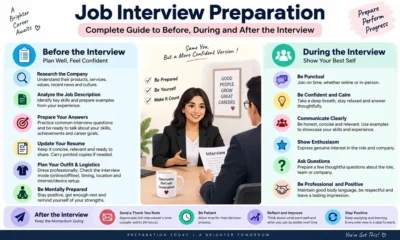

Job Interview Preparation: Complete Guide to Before, During and After the Interview
A complete job interview preparation guide covering common questions, competency answers, remote interviews, interview mistakes and what to do after...
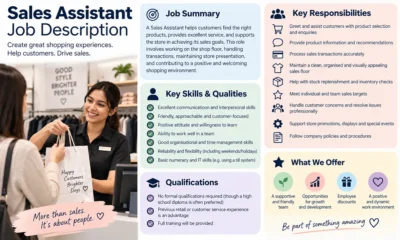

Sales Assistant Job Description: Duties, Skills, Salary and Career Guide UK
A Sales Assistant helps customers, processes purchases and supports the day-to-day running of a retail environment.


Web Developer Job Description: Duties, Skills, Salary and Career Guide UK
A Web Developer builds, maintains and improves websites and web applications. See the main duties, skills, qualifications, salary expectations and...
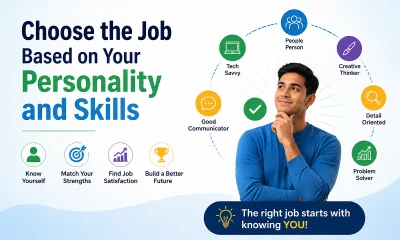

Choose an Entry-Level Job Based on Your Personality and Skills
Choosing your first job can be confusing. There are hundreds of entry-level jobs in the UK, but the best option...
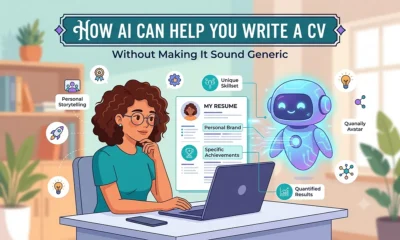

How AI Can Help You Write a CV Without Making It Sound Generic
Find out how to use AI to improve your CV, tailor your experience and write clearer applications without adding false...


Python Interview Cheat Sheet: 30 Python Concepts You Should Know Before Your Next Coding Interview
Python is one of the most popular programming languages for beginners and professional developers. It is widely used in web...


AI Could Replace Millions of Entry-Level Jobs in the UK by 2035: Which Roles Are Most at Risk?
Artificial intelligence is changing the way people work across the UK. From customer service and administration to data processing and...


How to Get a Job When There Are Fewer Vacancies
Finding a job can become more difficult when fewer suitable vacancies are available. You may see the same roles repeatedly,...


How UK Job Seekers Can Use LinkedIn to Find More Job Opportunities
Use LinkedIn more effectively in your UK job search with practical advice on improving your profile, finding jobs, networking and...


Why Is It So Hard to Get a Job in the UK?
If you have been applying for jobs in the UK and getting very few replies, you are not alone. Many...


Entry-Level Jobs in the UK Compared: Pay, Difficulty, Stress and Career Growth
Starting your career can be confusing, especially when there are so many entry-level jobs available in the UK. While some...


Why Are Graduate Jobs Becoming Harder to Find in the UK?
Graduating from university is supposed to feel like the beginning of a new chapter. You finish your degree, prepare your...

Why Good Candidates Fail Job Interviews: 10 Reasons You May Not Get the Job
Find out why good candidates can fail job interviews, what may affect an employer's decision and how to improve before...


30 Entry-Level Jobs in the UK for People With Little or No Experience
Finding your first job can feel difficult, especially when many vacancies ask for previous work experience. The good news is...
-
 Career3 years ago
Career Opportunities for Seniors: 7 Jobs that are Perfect for Older Adults
-
 Jobs8 months ago
15 Best Second Jobs to Boost Your Income in the UK for 2026
-

 Career2 years ago
5 Free Job Posting Sites in the UK (For Employers)
-
 How-to8 months ago
How to Make Money with Google Gemini: Practical Methods Anyone Can Start
-

 AI & Tools7 months ago
10 Insane Ways Google Gemini Will Explode Your Productivity in 2026
-

 Job Description2 years ago
Support Worker Job Description: Duties, Skills, Salary and Career Guide UK
-

 AI & Tools7 months ago
ChatGPT vs Microsoft Copilot: Which AI Is Best for You?
-

 Career3 years ago
13 Best Jobs That AI Can’t Replace: A Guide to Future-proof Careers