
AI & Tools
How to Use Google Gemini for Productivity at Work
Use Google Gemini for workplace productivity with practical workflows for research, writing, meetings, data, planning and repeatable tasks.
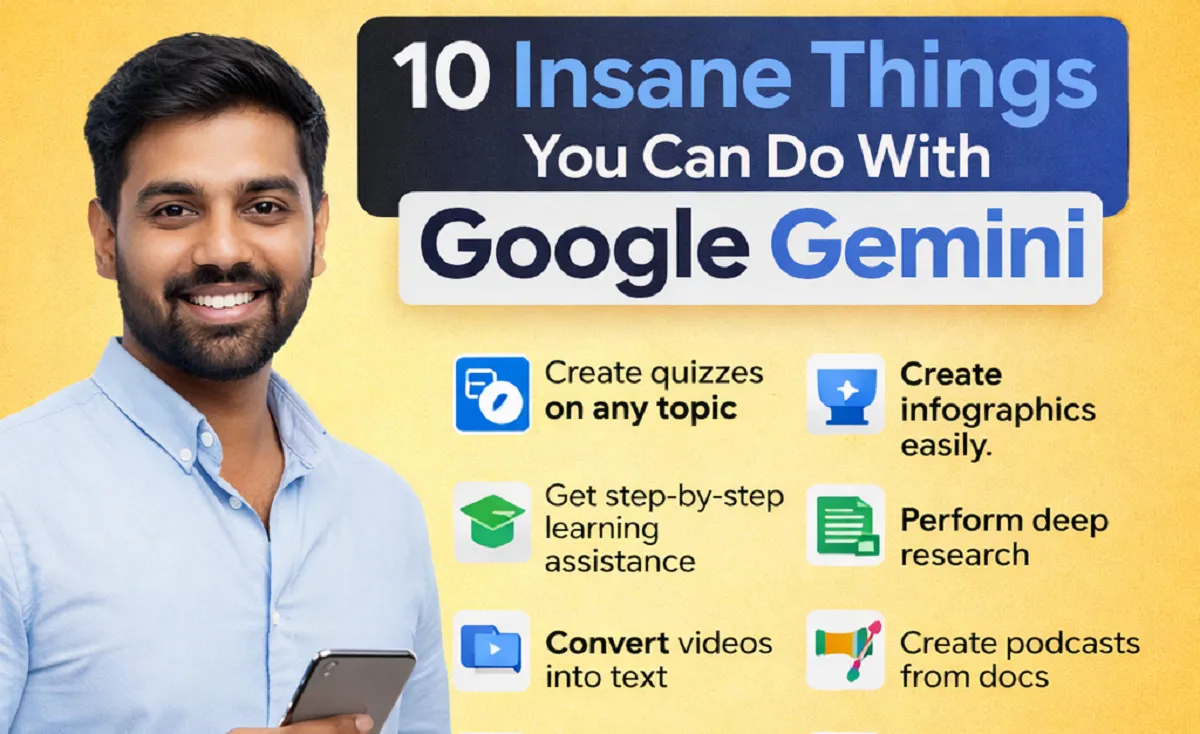
Google Gemini can be useful at work, but productivity does not come from asking an AI tool to do everything for you. The real value comes from using it for the right tasks, giving it enough context, checking the output and turning useful responses into repeatable workflows.
Whether you work in marketing, administration, research, sales, technology or another professional role, Gemini can help with writing, research, meetings, documents, data, planning and routine communication. If you are building practical AI skills for your career, you can also use this approach alongside AI skills every job seeker should learn.
What Makes Gemini Useful for Workplace Productivity?
AI productivity is not about producing more work simply because a tool is available. It is about reducing repetitive effort, improving the first draft and helping you move from information to action faster.
- Turn long information into a useful summary.
- Create a first draft of an email, report or document.
- Organise research and identify important themes.
- Work with tables, numbers and structured information.
- Generate ideas and compare different approaches.
- Build reusable workflows for tasks you perform regularly.
1. Summarise Long Documents and Information
Professionals often spend a large part of the day reading reports, proposals, meeting notes, emails and other documents. Gemini can help reduce the time needed to understand the main points.
Instead of asking only for a summary, give the task a clear purpose. For example, ask Gemini to identify the main decisions, unresolved issues, important numbers and actions that need to be completed.
Practical tip: Always compare important summaries with the original source. AI can miss context or misunderstand details.
2. Research a Topic More Efficiently
Gemini can help you organise early-stage research by generating questions, grouping information and comparing different viewpoints. This is useful when preparing a report, researching a market, planning a project or getting familiar with an unfamiliar subject. For a broader approach to choosing AI tools by task, see how to choose AI tools for work.
- Start with a clear research question.
- Ask for the major areas you should investigate.
- Separate facts from assumptions or opinions.
- Ask for gaps or questions that still need investigation.
- Verify important claims using reliable primary sources.
3. Improve Emails and Workplace Communication
Gemini can help turn rough notes into clearer professional communication. You can provide the key points and ask for a concise email that matches the situation.
It can also help adjust tone. For example, you might ask for a message to sound more direct, more diplomatic, shorter or easier for a non-technical audience to understand.
Keep your judgement involved: Before sending an AI-assisted message, check names, dates, promises, figures and anything that could affect a customer, colleague or business relationship.
4. Turn Meeting Notes Into Action Items
Meeting notes often contain useful information but become difficult to manage after the meeting ends. Gemini can help convert notes into a practical action list.
- Summarise the main decisions.
- List each action item.
- Identify the person responsible when that information is available.
- Separate completed items from open tasks.
- Highlight questions that need follow-up.
This turns an unstructured conversation into something your team can actually use.
5. Work With Data and Spreadsheets
AI can also support everyday data work. Gemini may help explain trends, identify unusual values, suggest formulas, organise information or create a clearer way to present results. The same task-first approach is useful when comparing ChatGPT and Microsoft Copilot for workplace tasks.
For example, a sales employee could ask for help identifying changes in monthly performance. A marketing professional could use it to organise campaign data. A manager could ask for a simple summary of key business metrics.
Watch out for: Never assume an AI-generated calculation is correct just because the answer looks convincing. Check formulas and important numbers before using them in business decisions.
6. Create Better First Drafts
Starting from a blank page can slow down otherwise simple work. Gemini can create a first draft from your notes, which gives you something to edit instead of something to create from nothing.
- Reports and internal documents
- Project updates
- Job descriptions
- Customer communication
- Marketing briefs
- Presentation outlines
- Research summaries
The goal should be a useful starting point, not a finished document that is published without review.
7. Build Reusable Gemini Workflows
If you perform the same type of task every week, create a repeatable process rather than starting from scratch every time.
For example, a weekly reporting workflow could follow this pattern:
- Collect the latest information.
- Ask Gemini to organise the information.
- Identify important changes or trends.
- Create a short management summary.
- Review the findings against the source data.
- Turn the final version into an action list.
This approach is more useful than collecting dozens of unrelated AI prompts because it connects AI to an actual work process.
8. Use Gemini to Support Learning at Work
When you need to understand a new subject, Gemini can act as a study and practice assistant. You can ask it to explain a concept at different levels, create questions, compare related ideas or give you practical examples.
For better results, do not stop at asking for an explanation. Ask questions, attempt the task yourself and use Gemini to review your work. That helps you build the underlying skill instead of becoming dependent on generated answers.
9. Speed Up Content and Presentation Planning
Content teams, marketers and business professionals can use Gemini to move from an idea to a structured plan. It can help create content briefs, outline presentations, generate headline options and suggest questions for an interview or customer discussion.
The strongest workflow keeps the human responsible for the message. AI can help with structure and variations, while you provide the expertise, examples, brand voice and final judgement.
10. Turn Repetitive Tasks Into AI-Assisted Workflows
The biggest productivity opportunity may not be one impressive AI feature. It is the collection of small tasks that happen repeatedly during the week.
| Task | How Gemini Can Help | Human Check |
|---|---|---|
| Email drafting | Create a clear first draft | Facts, tone and commitments |
| Research | Organise questions and findings | Source quality and accuracy |
| Meetings | Summarise notes and actions | Owners and deadlines |
| Reports | Structure information and key points | Numbers and conclusions |
| Data work | Explain patterns and suggest analysis | Calculations and assumptions |
| Content | Generate outlines and variations | Originality and expertise |
A Simple Gemini Productivity Workflow
A reliable AI workflow can be simple:
- Define: State exactly what you need to accomplish.
- Provide context: Give Gemini the relevant information, audience and constraints.
- Generate: Ask for a first version.
- Review: Check facts, reasoning, tone and missing information.
- Refine: Ask for targeted improvements rather than starting over.
- Approve: Make the final decision yourself.
For more guidance on building efficient AI workflows, see How to Use AI Efficiently at Work and AI Productivity at Work.
How to Write Better Gemini Prompts for Work
You do not need complicated prompts. A useful workplace prompt normally includes five things:
- Task: What should Gemini do?
- Context: What does it need to know?
- Audience: Who will use or read the result?
- Constraints: What should it avoid or include?
- Output: What format do you want?
For example, instead of saying “write a report,” specify the audience, purpose, source information, desired length and format. Clear instructions usually produce a more useful starting point.
What You Should Not Give an AI Tool
Workplace productivity should never come at the cost of privacy or security. Be careful with confidential business information, passwords, private customer data, sensitive employee records, unpublished financial information and other restricted material.
Follow your employer’s AI policy and understand which tools and features are approved for your organisation. When in doubt, remove unnecessary personal or confidential information before using an AI system.
Common Mistakes When Using Gemini at Work
💡 Practical tip: Better AI productivity comes from better processes, not from using AI for every task.
- Using AI when a task would be faster manually.
- Giving vague instructions and accepting the first answer.
- Failing to verify important facts.
- Sharing sensitive information without checking company policy.
- Using too many AI tools without a clear reason.
- Measuring output volume instead of actual business results.
- Letting AI replace your professional judgement.
How Gemini Skills Can Help Your Career
Knowing how to use an AI tool is only one part of AI literacy. Employers also need people who can define problems, evaluate information, communicate clearly and decide when AI should or should not be used.
That is why AI productivity skills are strongest when combined with a professional skill such as research, writing, data analysis, project management, marketing, customer service or software development.
If you are building your career skills, see AI Skills Every Job Seeker Should Learn and 30-Day AI Skills Plan.
Frequently Asked Questions
Is Google Gemini useful for office work?
Yes. It can support writing, research, summarisation, planning, data tasks, communication and other routine knowledge-work activities. The best use depends on your role and the tools available in your organisation.
Can Gemini replace employees?
AI can automate or change individual tasks, but jobs usually contain many responsibilities that require judgement, communication, accountability and context. Workers who can combine AI with strong professional skills may be better positioned as workflows change.
Should I use Gemini for every task?
No. Use it where it adds value. Simple tasks may be faster without AI, while complex tasks may benefit from AI assistance followed by careful human review.
How can I get better results from Gemini?
Give clear instructions, useful context, the intended audience, constraints and the format you want. Then review the response and refine it instead of accepting the first output.
Final Thoughts
Google Gemini can make everyday work easier, but the strongest results come from treating AI as part of a workflow rather than as a replacement for your own expertise.
Start with one repetitive task. Build a simple process around it, measure whether it saves time or improves quality, and then expand to other tasks. Over time, this approach can help you build practical AI skills that are useful across different roles and workplaces.



How to Start a Career in Sports and Leisure in the UK
A practical guide to sports and leisure careers in the UK, covering jobs, qualifications, apprenticeships, skills, experience, CVs and career...


How to Start a Career in Travel and Tourism in the UK
Travel and tourism is a broad career sector with opportunities in travel agencies, airports, airlines, visitor attractions, tours, hotels, heritage...


How to Start a Career in Property and Real Estate in the UK
Property and real estate is a broad career field covering residential property, commercial buildings, land, development, valuation, lettings, property management...


How to Start a Career in Hospitality in the UK
Thinking about hospitality as a career in the UK? Compare hotel, restaurant and guest service roles, entry routes, skills, apprenticeships...


How to Start a Career in Retail in the UK
Thinking about a retail career in the UK? Compare retail roles, entry routes, apprenticeships, skills, experience, CV tips and ways...


How to Start a Career in Science and Research in the UK
Planning a science or research career in the UK? Compare career paths, qualifications, apprenticeships, skills and practical ways to get...


How to Start a Career in Law in the UK
Thinking about a career in law? This guide explains UK legal career routes, qualifications, solicitor and barrister pathways, apprenticeships, skills,...


How to Start a Career in Education in the UK
Thinking about a career in education? Compare teaching and non-teaching roles, qualifications, apprenticeships, experience, skills and practical steps for getting...


How to Start a Career in Marketing in the UK
Marketing is a broad career field that combines communication, creativity, research, data and business thinking. It includes traditional marketing as...


How to Start a Career in Healthcare in the UK
Healthcare is one of the UK’s broadest career areas. It includes doctors and nurses, but also healthcare assistants, laboratory staff,...


How to Start a Career in Human Resources (HR) in the UK
Photo by Vitaly Gariev on Unsplash Human resources, usually called HR, is a people-focused career that combines communication, organisation, business...


How to Start a Career in Construction in the UK
Construction is one of the UK’s broadest career sectors. It includes hands-on trades such as bricklaying, carpentry and plumbing, as...


How to Start a Career in Energy and Utilities in the UK
Planning a career in energy and utilities in the UK? See job options, apprenticeships, qualifications, skills and practical steps to...


How to Start a Career in Media and Communications in the UK
Planning a media and communications career in the UK? Compare job options, entry routes, apprenticeships, skills, experience and practical steps...


How to Start a Career in Environmental and Sustainability Jobs in the UK
Environmental and sustainability careers are becoming an important part of many UK workplaces. Jobs in this area can involve protecting...


How to Start a Career in Cybersecurity in the UK
Thinking about a cybersecurity career in the UK? Here is a practical guide to skills, qualifications, entry-level roles, applications and...


How to Start a Career in Engineering in the UK
Thinking about engineering as a career in the UK? Here is a practical guide to engineering fields, qualifications, apprenticeships, skills,...


How to Start a Career in Government and Public Services in the UK
Thinking about a career in government or public services? This guide covers job options, entry routes, apprenticeships, skills, applications and...


Rolls-Royce Internship UK: Eligibility, Opportunities & How to Apply
Find Rolls-Royce internships in the UK with practical guidance on eligibility, opportunities, applications, assessments, skills and preparation.


How to Start a Career in Transport and Logistics in the UK
Planning a career in transport and logistics in the UK? See entry-level roles, apprenticeships, qualifications, skills and practical steps to...
-
 Career3 years ago
Flexible Jobs for Older Adults in the UK: 7 Career Options
-
 How-to8 months ago
How to Use Google Gemini for Freelance Work and Career Skills
-
 Jobs8 months ago
Second Jobs in the UK: 15 Practical Ways to Earn Extra Income
-

 Career2 years ago
Free Job Posting Sites in the UK: Options for Employers
-
 How-to8 months ago
How to Build Passive Income: 20 Income-Producing Assets for Long-Term Financial Growth
-

 Job Description3 years ago
Support Worker Job Description: Duties, Skills, Salary and Career Guide UK
-

 AI & Tools8 months ago
ChatGPT vs Microsoft Copilot: Which AI Is Best for You?
-

 Career3 years ago
Careers Less Exposed to AI Automation in the UK