
AI & Tools
30-Day AI Skills Plan: Build Practical AI Skills for Work
Build practical AI skills in 30 days with a simple daily plan covering prompting, research, writing, data, automation, AI workflows and responsible use at work.
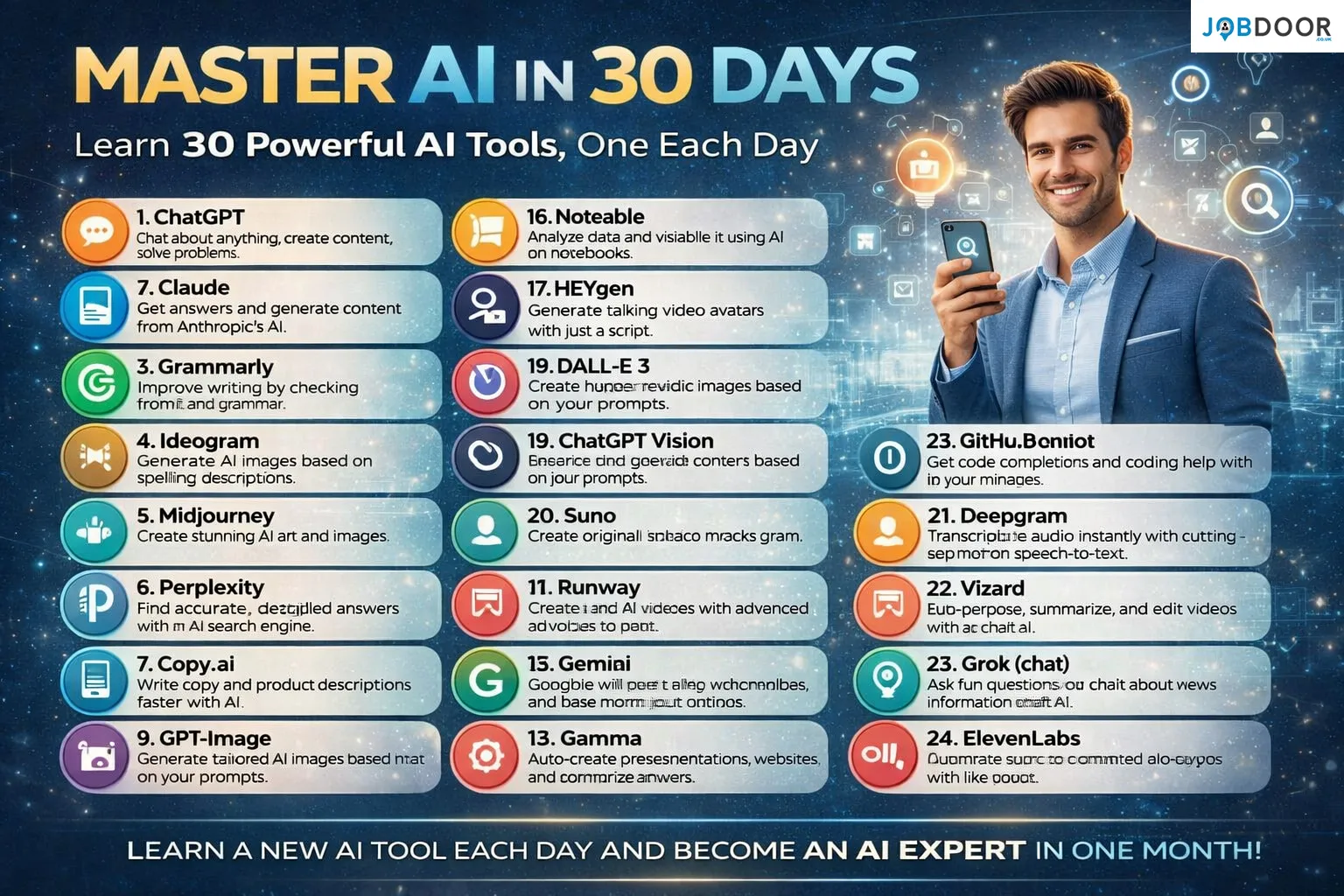
AI is becoming part of everyday work, but becoming useful with AI does not mean trying dozens of tools or becoming a programmer. The better approach is to build a small set of practical skills and use them on real tasks.
This 30-day AI skills plan gives you a simple path from the basics to useful workplace workflows. Each day focuses on one skill, one type of task, or one habit. The goal is not to finish the month knowing every AI product. It is to become more confident at choosing, prompting, checking and applying AI.
What You Should Be Able to Do After 30 Days
- Write clearer instructions for AI tools.
- Use AI to improve routine writing and research.
- Summarise and organise information faster.
- Work with documents and basic data more efficiently.
- Build repeatable AI-assisted workflows.
- Check AI output instead of accepting it blindly.
- Use AI responsibly with workplace information.
- Explain your AI skills clearly to an employer.
Week 1: Build Your AI Foundations
Day 1: Understand What AI Can and Cannot Do
Start with the basics. AI can generate, summarise, classify, transform and analyse information, but it can also make mistakes. Your first skill is knowing when AI is useful and when human verification is necessary.
Day 2: Write Better AI Instructions
Practise giving AI a clear task, relevant context, a desired format and useful constraints. Compare a vague request with a detailed one and note how the output changes.
Day 3: Learn to Refine an AI Response
Do not treat the first response as the final answer. Ask for a shorter version, a clearer structure, a different audience or specific improvements. This builds an important workplace habit: iterative collaboration.
Day 4: Use AI for Writing and Editing
Take an email, report section or professional message you wrote yourself. Ask AI to improve clarity and structure while keeping your meaning. Review every change before using it.
Day 5: Build a Personal Prompt Template
Create a reusable prompt for a task you perform often. Include the role, task, context, audience, output format and quality requirements. Save it for future work.
Day 6: Practise Summarisation
Use AI to turn a long document or meeting notes into key points, decisions, actions and unanswered questions. Compare the summary with the original to check accuracy.
Day 7: Review What You Have Learned
Choose three tasks from the week and repeat them without copying your earlier prompts. Focus on understanding the method rather than memorising wording.
Week 2: Apply AI to Everyday Work
Day 8: Email and Workplace Communication
Use AI to improve clarity, tone and structure in professional messages. Keep your personal judgement about what should actually be said and who should receive it.
Day 9: Research and Information Gathering
Practise using AI to create research questions, organise findings and identify gaps. Verify important facts with reliable primary or authoritative sources.
Day 10: Work with Long Documents
Take a suitable document and ask AI to identify its main themes, obligations, risks or action points. Check the output against the source instead of relying on the summary alone.
Day 11: Turn Notes Into Useful Outputs
Give AI rough notes and ask it to organise them into a meeting summary, project brief, checklist or action plan. Make sure the final version reflects what was actually agreed.
Day 12: Improve Presentations
Use AI to organise an existing presentation, suggest a logical slide sequence or simplify complex wording. Your role is to decide what the audience actually needs to see.
Day 13: Practise Data Analysis
Use a safe sample dataset to ask AI for trends, categories, calculations or questions worth investigating. Check formulas and results independently before making decisions.
Day 14: Build a Weekly AI Workflow
Choose one recurring task and map it from beginning to end. Identify where AI can assist, where a human must review the result and what final approval is required.
Week 3: Build Real AI Workflows
Day 15: Break Large Tasks Into Steps
AI often works better when a complex assignment is divided into smaller stages. Practise turning one large task into research, drafting, checking, editing and finalisation.
Day 16: Create a Research-to-Report Workflow
Start with a question, organise verified information, create an outline, draft the report and then review the final result. Keep source checking separate from AI-generated writing.
Day 17: Create a Meeting Workflow
Build a process for preparing an agenda, capturing notes, identifying decisions and creating follow-up actions. Keep confidential information out of tools that are not approved by your organisation.
Day 18: Create an Admin Workflow
Find repetitive work such as sorting information, drafting standard replies or creating checklists. Test whether AI can reduce manual effort without reducing accuracy.
Day 19: Explore Automation
Learn the basic idea behind AI automation: a trigger starts a process, information is passed between steps and an action is completed. Start with low-risk tasks that are easy to check.
Day 20: Measure Time Saved
Compare the old process with the AI-assisted version. Record preparation time, review time, corrections and final quality. A workflow is valuable only when the total effort actually improves.
Day 21: Create Your AI Workflow Checklist
- What is the task?
- What information does AI need?
- What can AI safely handle?
- What needs human judgement?
- How will the result be checked?
- What information must not be shared?
Week 4: Become an AI-Ready Professional
Day 22: Improve Your Critical Thinking
Ask AI to give you alternative explanations, possible risks or arguments against your first idea. Use the output to challenge your thinking rather than outsourcing your decision.
Day 23: Practise Fact-Checking
Take an AI-generated answer and verify its important claims. Pay particular attention to numbers, dates, names, regulations, citations and statements that could affect a business or career decision.
Day 24: Learn AI Privacy Basics
Understand the difference between public information, ordinary work information and sensitive or confidential data. Follow your employer’s approved AI and data-security rules.
Day 25: Use AI With Your Existing Expertise
Choose an area you already understand and identify where AI can support you. Combining domain knowledge with AI is often more valuable than simply collecting tool knowledge.
Day 26: Build a Small Portfolio Project
Create something useful, such as an improved research workflow, reporting process, content system, data-analysis example or customer-service workflow. Document what you did and where human review was required.
Day 27: Turn the Project Into CV Evidence
Do not simply write “AI skills” on your CV. Explain the task, the workflow, the tools or methods used, the human contribution and the result. Specific evidence is stronger than a list of buzzwords.
Day 28: Practise Explaining Your AI Skills
Prepare a short answer to the interview question: “How do you use AI at work?” Focus on practical examples, quality checks, responsible use and the value you created.
Day 29: Audit Your AI Habits
- Am I using AI for a real problem?
- Am I giving enough context?
- Am I checking important outputs?
- Am I protecting confidential information?
- Am I saving meaningful time?
- Am I still making the final decision?
Day 30: Build Your Personal AI Playbook
Bring everything together. Create a short document containing your best prompts, useful workflows, review steps, approved tools, privacy rules and examples of work you have improved with AI.
Which AI Skills Are Worth Keeping Long Term?
| Skill | Why It Matters | Where to Practise |
|---|---|---|
| Prompting | Helps you communicate tasks clearly | Writing, research and planning |
| AI output review | Reduces errors and weak decisions | Every AI-assisted task |
| Workflow design | Turns individual prompts into repeatable processes | Admin, reporting and operations |
| Data literacy | Helps you understand AI-supported analysis | Spreadsheets and reports |
| AI privacy awareness | Protects people and business information | Workplace AI use |
| Critical thinking | Keeps humans responsible for important decisions | Research and problem-solving |
How to Choose AI Tools Without Chasing Every New Release
Do not measure progress by the number of AI tools you have tried. Start with the task. Then decide what capability you need, test a small workflow and keep the tool only if it provides a clear benefit.
For a broader task-based approach, see our guide on how to choose AI tools for work. You can also read our guide to AI skills for job seekers and our practical guide to using AI efficiently at work.
Common Mistakes to Avoid
- Trying to master too many tools at once.
- Copying AI output without checking it.
- Using AI for decisions that require professional judgement without review.
- Putting confidential information into unapproved systems.
- Focusing on prompts instead of the underlying work problem.
- Adding AI to a workflow without measuring whether it actually helps.
- Listing AI tools on a CV without showing what you achieved with them.
How This 30-Day Plan Helps Your Career
The strongest outcome is not a collection of tool names. It is the ability to work more effectively with technology while keeping responsibility for quality, judgement and communication.
For job seekers, that can become useful evidence in a CV, portfolio or interview. For employees, it can improve everyday workflows. For managers, it can provide a practical way to identify tasks where AI assistance makes sense.
Frequently Asked Questions
Can I complete this AI skills plan if I am not technical?
Yes. Most of the plan focuses on practical workplace skills such as writing, research, organisation, review and workflow design. Technical knowledge can be added later when your role requires it.
Do I need to use 30 different AI tools?
No. The plan deliberately focuses on skills rather than a fixed list of products. One capable AI tool can be enough to practise many of the core methods.
What is the most important AI skill to start with?
Start with the ability to define a task clearly and review the result critically. Good instructions improve output, while good judgement prevents weak output from becoming bad work.
How should I show AI skills on my CV?
Give evidence. Describe the work problem, how AI supported the process, what you personally contributed and what improved. This is stronger than simply listing AI tools.
Should AI replace my normal professional skills?
No. AI should support skills such as communication, analysis, problem-solving and decision-making. Your professional knowledge and judgement remain important.
Final Thoughts
You do not need to become an AI expert in 30 days. You need to become a more capable professional who knows where AI can help, where it can fail and where human judgement must remain in control.
Spend one focused session each day practising the skills above. By the end of the month, you should have something more useful than a list of AI tools: a practical AI workflow you can use, improve and explain.










How to Start a Career in Hospitality in the UK
Thinking about hospitality as a career in the UK? Compare hotel, restaurant and guest service roles, entry routes, skills, apprenticeships...


How to Start a Career in Retail in the UK
Thinking about a retail career in the UK? Compare retail roles, entry routes, apprenticeships, skills, experience, CV tips and ways...


How to Start a Career in Science and Research in the UK
Planning a science or research career in the UK? Compare career paths, qualifications, apprenticeships, skills and practical ways to get...


How to Start a Career in Law in the UK
Thinking about a career in law? This guide explains UK legal career routes, qualifications, solicitor and barrister pathways, apprenticeships, skills,...


How to Start a Career in Education in the UK
Thinking about a career in education? Compare teaching and non-teaching roles, qualifications, apprenticeships, experience, skills and practical steps for getting...


How to Start a Career in Marketing in the UK
Marketing is a broad career field that combines communication, creativity, research, data and business thinking. It includes traditional marketing as...


How to Start a Career in Healthcare in the UK
Healthcare is one of the UK’s broadest career areas. It includes doctors and nurses, but also healthcare assistants, laboratory staff,...


How to Start a Career in Human Resources (HR) in the UK
Photo by Vitaly Gariev on Unsplash Human resources, usually called HR, is a people-focused career that combines communication, organisation, business...


How to Start a Career in Construction in the UK
Construction is one of the UK’s broadest career sectors. It includes hands-on trades such as bricklaying, carpentry and plumbing, as...


How to Start a Career in Energy and Utilities in the UK
Planning a career in energy and utilities in the UK? See job options, apprenticeships, qualifications, skills and practical steps to...


How to Start a Career in Media and Communications in the UK
Planning a media and communications career in the UK? Compare job options, entry routes, apprenticeships, skills, experience and practical steps...


How to Start a Career in Environmental and Sustainability Jobs in the UK
Environmental and sustainability careers are becoming an important part of many UK workplaces. Jobs in this area can involve protecting...


How to Start a Career in Cybersecurity in the UK
Thinking about a cybersecurity career in the UK? Here is a practical guide to skills, qualifications, entry-level roles, applications and...


How to Start a Career in Engineering in the UK
Thinking about engineering as a career in the UK? Here is a practical guide to engineering fields, qualifications, apprenticeships, skills,...


How to Start a Career in Government and Public Services in the UK
Thinking about a career in government or public services? This guide covers job options, entry routes, apprenticeships, skills, applications and...


Rolls-Royce Internship UK: Eligibility, Opportunities & How to Apply
Find Rolls-Royce internships in the UK with practical guidance on eligibility, opportunities, applications, assessments, skills and preparation.


How to Start a Career in Transport and Logistics in the UK
Planning a career in transport and logistics in the UK? See entry-level roles, apprenticeships, qualifications, skills and practical steps to...
JLR Internships in the UK: How to Find and Apply
Find JLR internships and undergraduate placements in the UK, with practical guidance on eligibility, applications, career areas, assessments and preparation.


How to Start a Career in Architecture and Design in the UK
How to Start a Career in Architecture and Design in the UK Architecture and design careers combine creativity with practical...


Technology Internships in the UK: How to Find and Prepare
Find technology internships in the UK with practical guidance on choosing a tech career area, building skills, finding employers and...
-
 Career3 years ago
Flexible Jobs for Older Adults in the UK: 7 Career Options
-
 Jobs8 months ago
Second Jobs in the UK: 15 Practical Ways to Earn Extra Income
-
 How-to8 months ago
How to Use Google Gemini for Freelance Work and Career Skills
-

 Career2 years ago
Free Job Posting Sites in the UK: Options for Employers
-
 How-to8 months ago
How to Build Passive Income: 20 Income-Producing Assets for Long-Term Financial Growth
-

 AI & Tools8 months ago
How to Use Google Gemini for Productivity at Work
-

 Job Description3 years ago
Support Worker Job Description: Duties, Skills, Salary and Career Guide UK
-

 AI & Tools8 months ago
ChatGPT vs Microsoft Copilot: Which AI Is Best for You?