
AI & Tools
How to Use Manus AI With Meta Ads: Analyze Campaigns and Automate Reporting
See how to use Manus AI with Meta Ads for campaign analysis, performance insights and recurring reports while keeping final advertising decisions under human control.
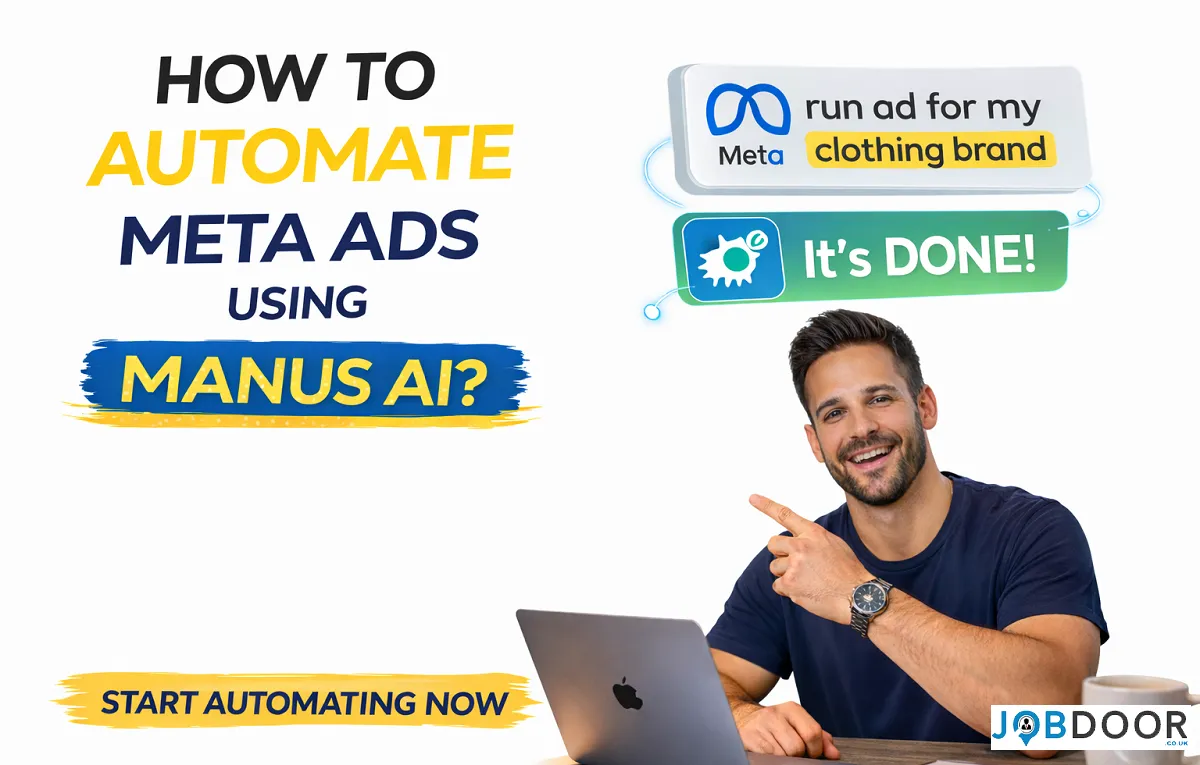
Running Meta Ads creates a lot of data. You may have campaign results, audience breakdowns, creative performance, costs and conversion numbers, but turning all of that data into useful decisions can take time.
Manus AI can work as an AI analysis layer for Meta Ads. Its Meta Ads Manager connector can securely access advertising data in read-only mode, answer performance questions, create reports and help teams turn campaign data into practical insights.
That is a more useful way to think about AI advertising automation: let AI handle repetitive analysis and reporting while people remain responsible for strategy, approvals and campaign decisions.
What Can Manus AI Do With Meta Ads?
Manus connects to Meta Ads Manager and acts as an AI assistant for campaign analysis. According to Manus, the connector can query ad data in real time and produce outputs such as summaries, dashboards, slides and other reports.
| Task | How AI Can Help |
|---|---|
| Performance analysis | Compare campaigns, ad sets and results |
| Audience analysis | Identify stronger or weaker audience segments |
| Creative review | Compare performance across ad creatives |
| Reporting | Create recurring summaries and visual reports |
| Campaign questions | Answer questions using connected ad data |
| Decision support | Highlight patterns that deserve human attention |
Manus AI Is Not the Same as Fully Automated Ad Management
This distinction matters.
The current Manus Meta Ads connector is designed primarily for analysis, insights and reporting. Manus documentation says the connection uses secure, read-only access, meaning the connector cannot directly change your campaigns.
So an earlier idea such as “connect Manus and let it automatically change your budgets” should not be treated as a current capability of the connector.
A safer workflow is:
- AI reviews the data.
- AI identifies patterns and possible improvements.
- A marketer checks the recommendation.
- The marketer decides what action to take.
- Changes are made inside Meta Ads Manager.
How to Connect Manus AI to Meta Ads Manager
The basic connection process is straightforward, although availability can depend on your Manus account and rollout status.
- Open your Manus workspace.
- Go to the Connectors area.
- Select Meta Ads Manager.
- Choose Connect.
- Follow the authorization steps.
- Allow the requested read-only access.
- Start a new Manus session and ask questions about your advertising data.
Before connecting an account, check the permissions carefully and make sure you understand which advertising data will be accessible.
Useful Questions to Ask Manus About Your Campaigns
The biggest advantage is that you can ask questions in normal language instead of manually filtering spreadsheets.
Performance questions
- Which campaigns generated the best results during the last 30 days?
- Which campaigns have the highest cost per result?
- Which campaigns changed the most compared with the previous period?
- Where did ad spend increase without a similar improvement in results?
Audience questions
- Which age groups have the strongest click-through rate?
- Which locations produce the best conversion results?
- Are there audience segments that are spending money without producing enough results?
Creative questions
- Which creatives have the strongest conversion performance?
- Which ads have high impressions but weak engagement?
- Which creative patterns appear across the best-performing ads?
Automate Your Meta Ads Reporting
One of the most practical uses of Manus is recurring reporting. Its documentation says users can set up daily or weekly campaign summaries rather than repeatedly building reports by hand.
For example, a weekly report could include:
- Total advertising spend
- Results and cost per result
- Top-performing campaigns
- Campaigns that declined
- Strongest audiences
- Creative performance
- Important changes from the previous week
- Questions that require human review
This turns reporting from a repetitive administrative task into a regular decision-support process.
Create a Better AI Advertising Workflow
Connecting an AI system to advertising data is only useful when the workflow around it is clear.
1. Define the business goal
Start with the result that matters. That could be leads, purchases, qualified enquiries, registrations or another measurable business outcome.
2. Give AI a clear time period
Ask for a specific period such as the last seven days, last month or a comparison between two campaign periods. This makes the analysis easier to interpret.
3. Ask for comparisons
Instead of asking only “How did my ads perform?”, ask AI to compare campaigns, audiences, creatives or periods.
4. Ask for reasons, not just numbers
A useful analysis should explain what changed and what evidence supports the conclusion. Do not treat an AI-generated explanation as proof without checking the underlying data.
5. Keep final decisions human
AI can highlight opportunities, but a marketer still needs to consider the offer, landing page, customer quality, brand positioning, seasonality and wider business context.
Example: A Weekly Meta Ads Review With AI
Imagine a small business running several campaigns.
- Manus reviews the previous week’s campaign data.
- It identifies the campaigns with the biggest changes.
- It compares cost per result and conversion performance.
- It highlights strong and weak audience segments.
- It compares creative performance.
- It produces a short weekly report.
- The marketer reviews the findings.
- The marketer decides which changes, if any, should be made in Ads Manager.
The important point is that AI reduces the time spent collecting and interpreting information. It does not remove the need for marketing judgement.
What AI Can and Cannot Reliably Tell You
| AI can help with | Human review is still important for |
|---|---|
| Finding performance patterns | Understanding customer intent |
| Comparing campaign metrics | Choosing the right business offer |
| Summarising account data | Brand positioning |
| Highlighting unusual changes | Budget and risk decisions |
| Building reports | Final campaign changes |
Good advertising decisions combine data with context. A campaign can have a strong click-through rate and still produce poor-quality leads. AI may identify the numbers, but the business owner needs to understand what those leads are worth.
Privacy and Account Security Matter
Advertising accounts contain commercially sensitive information. Before connecting any AI service, review its permissions, data handling and security documentation.
- Use the minimum permissions needed.
- Do not share passwords directly with AI tools.
- Check whether the connection is read-only or can make changes.
- Review connected applications regularly.
- Be careful when sharing customer or personally identifiable information.
- Remove access when a connector is no longer required.
Manus says its Meta Ads connector uses secure, read-only access. Even so, businesses should review the current permissions and privacy terms before connecting an advertising account.
Common Mistakes to Avoid
Assuming AI can run everything
AI analysis is not the same as autonomous campaign management. Keep that distinction clear.
Looking at one metric
CTR, CPM, CPC and ROAS are useful, but no single number explains the complete performance of a campaign.
Trusting recommendations without checking the data
Ask AI to show the evidence behind its conclusion and verify important recommendations in Ads Manager.
Automating a bad process
If your campaign structure or tracking is poor, adding AI will not automatically fix the underlying problem.
How This Changes the Role of a Marketer
AI can reduce the amount of time marketers spend on repetitive reporting and data extraction. That creates more room for higher-value work such as strategy, creative direction, customer research, offer development and testing.
The valuable skill is no longer simply knowing where every number is inside an advertising dashboard. It is knowing what question to ask, how to interpret the answer and what business action should follow.
A Simple Starter Workflow
- Connect Meta Ads Manager with the appropriate permissions.
- Ask for a seven-day performance summary.
- Compare the top campaigns with the previous period.
- Ask AI to identify the three biggest changes.
- Review the supporting metrics yourself.
- Turn useful findings into specific actions.
- Record what changed and measure the result during the next review.
For broader AI productivity ideas, see our guide to using AI efficiently at work. If you manage a small business, our guide to choosing AI tools for business can help you build a wider workflow.
Frequently Asked Questions
Can Manus analyze my Meta Ads data?
Yes. Manus provides a Meta Ads Manager connector that can analyze connected advertising data and answer questions about campaign performance.
Can Manus automatically change my Meta Ads campaigns?
The Meta Ads Manager connector is documented as read-only. It is designed for analysis and reporting rather than directly changing campaigns.
Can Manus create weekly advertising reports?
Yes. Manus documentation describes scheduled daily or weekly campaign summaries and report generation as supported use cases.
Is AI enough to manage Meta Ads?
No. AI can speed up analysis and reporting, but campaign strategy, business context, creative direction, tracking decisions and final approvals still require human judgement.
Who can benefit from this workflow?
Small businesses, marketing teams, freelancers and agencies can benefit when they have enough campaign data to make regular analysis useful.
Final Takeaway
Manus AI does not make a Meta Ads account completely self-running. Its more practical value is reducing the manual work around campaign analysis, performance questions and recurring reporting.
The strongest workflow is simple: connect the data, ask better questions, check the evidence, make the decision and measure the result.
That approach gives marketers the benefits of AI automation without handing important advertising decisions to an unchecked system.




How to Start a Career in Transport and Logistics in the UK
Planning a career in transport and logistics in the UK? See entry-level roles, apprenticeships, qualifications, skills and practical steps to...


Rolls-Royce Internship UK: Eligibility, Opportunities & How to Apply
Find Rolls-Royce internships in the UK with practical guidance on eligibility, opportunities, applications, assessments, skills and preparation.


JLR Internships in the UK: How to Find and Apply
Find JLR internships and undergraduate placements in the UK, with practical guidance on eligibility, applications, career areas, assessments and preparation.


Technology Internships in the UK: How to Find and Prepare
Find technology internships in the UK with practical guidance on choosing a tech career area, building skills, finding employers and...


Deloitte Internship UK: How to Apply and Prepare
A practical guide to Deloitte internships in the UK, covering programmes, eligibility, applications, assessments, skills, student visas and preparation.


How to Prepare for a Remote Interview: Complete Guide
Prepare for a remote or video interview with practical advice on technology, camera setup, communication, notes and handling technical problems.

How to Stay Employable: 12 Long-Term Career Strategies
No one can guarantee permanent employment. Employers change, industries evolve and personal circumstances can affect a career at any stage....


How AI Is Changing Recruitment: What Job Seekers Should Expect
Artificial intelligence is changing recruitment, but not in the simple way many headlines suggest. Employers may use AI to organise...


How to Use AI to Identify Your Transferable Skills
Changing careers can feel difficult because job titles often make people focus on what they have not done instead of...


How to Use AI Responsibly When Applying for Jobs
AI can help job seekers save time when researching roles, improving a CV, preparing a cover letter and practising for...

AI Skills Every Job Seeker Should Learn (Without Becoming an AI Expert)
Artificial intelligence is becoming part of everyday work in many industries. You do not need to become a programmer, data...


How to Get a Job in the UK: A Complete Step-by-Step Guide
Finding a job in the UK can feel difficult, especially when you are competing with many other applicants. The process...


How to Write a CV With No Experience
Find out how to write a CV with no experience, what to include and how students, graduates and first-time job...


What Is a Job Description and What Should You Look For?
What is a job description? Understand what it means, what to look for and how to use it to decide...

Job Interview Preparation: Complete Guide to Before, During and After the Interview
A complete job interview preparation guide covering common questions, competency answers, remote interviews, interview mistakes and what to do after...

Sales Assistant Job Description: Duties, Skills, Salary and Career Guide UK
A Sales Assistant helps customers, processes purchases and supports the day-to-day running of a retail environment.


Web Developer Job Description: Duties, Skills, Salary and Career Guide UK
A Web Developer builds, maintains and improves websites and web applications. See the main duties, skills, qualifications, salary expectations and...

Choose an Entry-Level Job Based on Your Personality and Skills
Choosing your first job can be confusing. There are hundreds of entry-level jobs in the UK, but the best option...

How AI Can Help You Write a CV Without Making It Sound Generic
Find out how to use AI to improve your CV, tailor your experience and write clearer applications without adding false...


Python Interview Cheat Sheet: 30 Python Concepts You Should Know Before Your Next Coding Interview
Python is one of the most popular programming languages for beginners and professional developers. It is widely used in web...
-
 Career3 years ago
Career Opportunities for Seniors: 7 Jobs that are Perfect for Older Adults
-
 Jobs8 months ago
Second Jobs in the UK: 15 Practical Ways to Earn Extra Income
-

 Career2 years ago
5 Free Job Posting Sites in the UK (For Employers)
-
 How-to8 months ago
How to Use Google Gemini for Freelance Work and Career Skills
-
 How-to8 months ago
Passive Income Ideas: Build Long-Term Income Streams
-

 AI & Tools8 months ago
How to Use Google Gemini for Productivity at Work
-

 Job Description2 years ago
Support Worker Job Description: Duties, Skills, Salary and Career Guide UK
-

 AI & Tools8 months ago
ChatGPT vs Microsoft Copilot: Which AI Is Best for You?