
AI & Tools
AI for Meta Ads: Practical Ways to Improve Campaign Workflows
Use AI with Meta Ads for creative testing, campaign analysis, lead handling and reporting while keeping strategy and final decisions under human control.
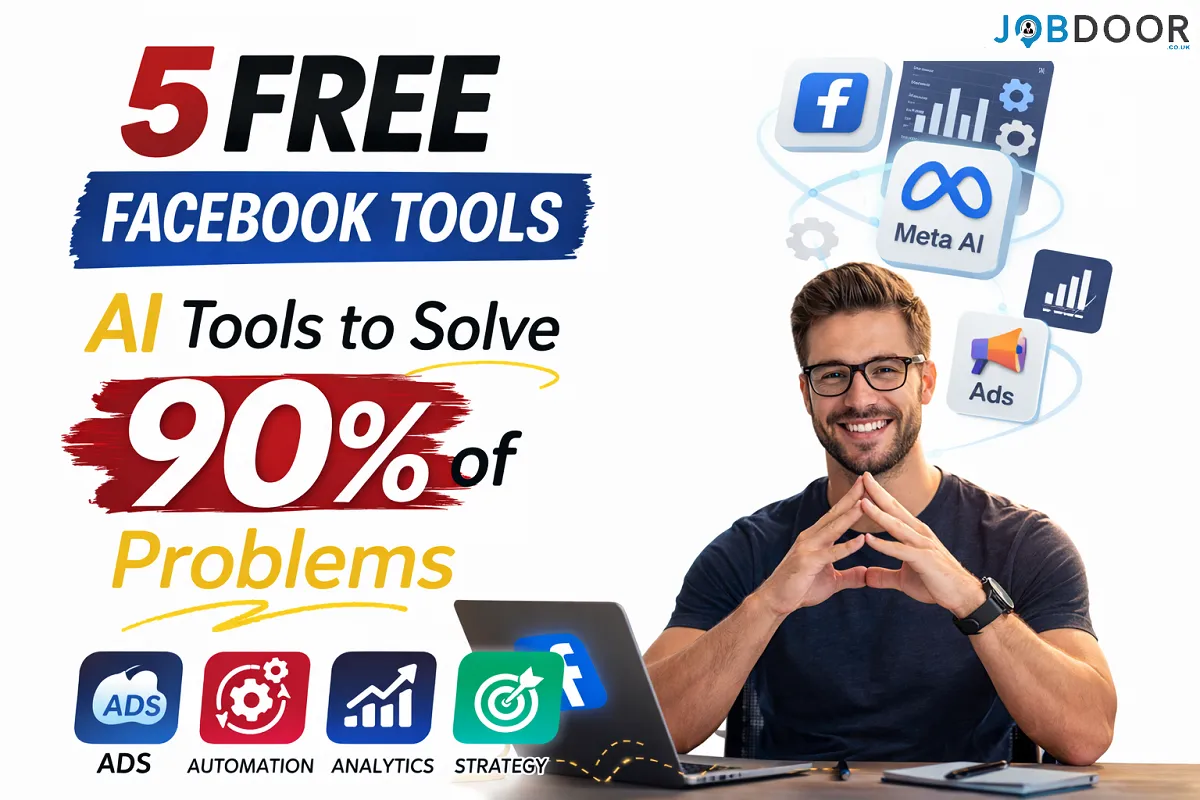
AI is changing how advertisers research audiences, create ad variations, review campaign data and handle repetitive marketing tasks. But better advertising does not come from turning on every AI feature. It comes from using AI for the right parts of the workflow while keeping human control over strategy, budget and final decisions.
This guide explains practical ways to use AI with Meta Ads for creative development, campaign analysis, lead handling and reporting. It focuses on repeatable workflows rather than promises of guaranteed results.
Where AI Can Help With Meta Ads
AI is most useful when it reduces repetitive work or helps you examine information faster. Common applications include:
- Generating and comparing creative concepts
- Summarising campaign performance
- Finding unusual changes in key metrics
- Organising audience and customer research
- Drafting ad copy variations
- Qualifying and routing leads
- Creating recurring campaign reports
AI should support the advertising workflow, not replace the advertiser’s understanding of the offer, audience and business goals.
1. Use Meta’s Built-In AI Features
Meta Ads already includes automation and AI-assisted features across areas such as creative production, audience delivery and campaign optimisation. Availability can vary by account, objective and market.
The best approach is to treat these features as part of a testing system. Start with a clear campaign objective, provide strong creative assets and compare results against your business goals rather than assuming automation will fix a weak offer.
2. Use AI for Ad Creative Research and Variations
Creative testing is one of the most practical areas for AI. A writing or image tool can help turn one campaign concept into several legitimate variations.
Give the AI useful source material such as customer questions, reviews, objections, product benefits and existing campaign insights. Then ask for different angles rather than dozens of almost identical ads.
- Problem-focused angle
- Outcome-focused angle
- Comparison angle
- Objection-handling angle
- Educational angle
Human review is essential before anything is published. Check claims, tone, brand fit, factual accuracy and whether the creative actually matches the landing page.
3. Use AI to Analyse Campaign Performance
Advertising dashboards contain large amounts of data. AI can help turn that information into a shorter list of questions worth investigating.
| Signal | Useful AI question | Human decision |
|---|---|---|
| CTR falls | What changed between the stronger and weaker periods? | Whether creative or audience testing is needed |
| CPM rises | Which campaigns or audiences changed most? | Whether to adjust the campaign strategy |
| Conversions fall | Where does the funnel show the biggest change? | Whether the ad, offer or landing page needs work |
| Frequency rises | Which audiences are seeing the ads most often? | Whether creative or audience changes are justified |
AI analysis is a starting point. It should not be treated as proof that one metric caused another.
4. Automate Lead Handling After the Click
Improving the ad is only part of the job. If leads receive slow or inconsistent follow-up, campaign performance can suffer even when the ads are working.
- Send an immediate acknowledgement
- Collect basic qualifying information
- Route leads to the right team
- Answer common questions
- Offer appointment-booking options
- Flag high-intent leads for human follow-up
Keep a human involved when the conversation involves sensitive information, complex sales questions, complaints or decisions that require judgement.
5. Build a Simple AI-Assisted Reporting Workflow
A useful weekly workflow is simple:
- Export or review the relevant campaign data.
- Ask AI to summarise meaningful changes.
- Separate facts from possible explanations.
- Identify the two or three issues worth investigating.
- Choose a small number of controlled tests.
- Record what changed and what happened next.
This creates a repeatable decision process instead of relying on daily dashboard checking.
A Practical Meta Ads + AI Workflow
- Plan: Define the audience, offer and campaign objective.
- Create: Use AI to generate creative concepts and copy variations.
- Review: Check claims, brand voice and policy considerations.
- Launch: Start with a controlled test.
- Analyse: Use campaign data and AI summaries to find meaningful changes.
- Decide: Keep, improve or replace based on evidence.
- Report: Record results so future campaigns benefit from the learning.
For a broader workplace AI workflow, see how to use AI efficiently at work. For small-business applications, see AI tools for small business.
What AI Should Not Decide for You
AI can support analysis, but advertisers should retain control over important decisions.
- Overall campaign strategy
- Advertising budget
- Claims made about a product or service
- Brand positioning
- Sensitive customer communication
- Final approval of published creative
Privacy and Data Protection
Do not paste customer personal information, private account credentials or confidential business data into an AI service unless you have verified that the tool, account and workflow are appropriate for that information. Use aggregated or anonymised data whenever possible.
Common Mistakes to Avoid
- Assuming AI will fix a weak offer
- Generating large numbers of generic creatives
- Making campaign changes based on one unusual data point
- Giving AI unrestricted access to sensitive information
- Publishing AI-generated claims without checking them
- Automating customer conversations that require human judgement
Frequently Asked Questions
Can AI manage Meta Ads completely?
AI can automate or assist with many advertising tasks, but complete hands-off management is risky. Human oversight is still important for strategy, budget, claims, creative quality and business context.
Can AI reduce the time spent on campaign reporting?
Yes. AI can summarise large datasets, compare periods and highlight questions for investigation. The advertiser should still verify the underlying numbers before acting.
Is AI useful for creating Facebook ad copy?
Yes. It can produce variations quickly, especially when you provide real customer language and clear brand guidelines. Human editing remains important before publication.
What is the best way to start?
Choose one repetitive task, such as weekly reporting or creative ideation. Build a small workflow, measure the time saved and quality of the output, then expand only if it works reliably.
Final Takeaway
The strongest use of AI in Meta Ads is not about pressing an “automate everything” button. It is about building a better workflow around research, creative testing, campaign analysis, lead handling and reporting.
Use AI for speed and pattern finding. Use human judgement for strategy, context and final decisions. That combination is more useful and sustainable than relying on automation alone.








How to Start a Career in Transport and Logistics in the UK
Planning a career in transport and logistics in the UK? See entry-level roles, apprenticeships, qualifications, skills and practical steps to...


Rolls-Royce Internship UK: Eligibility, Opportunities & How to Apply
Find Rolls-Royce internships in the UK with practical guidance on eligibility, opportunities, applications, assessments, skills and preparation.


JLR Internships in the UK: How to Find and Apply
Find JLR internships and undergraduate placements in the UK, with practical guidance on eligibility, applications, career areas, assessments and preparation.


Technology Internships in the UK: How to Find and Prepare
Find technology internships in the UK with practical guidance on choosing a tech career area, building skills, finding employers and...


Deloitte Internship UK: How to Apply and Prepare
A practical guide to Deloitte internships in the UK, covering programmes, eligibility, applications, assessments, skills, student visas and preparation.


How to Prepare for a Remote Interview: Complete Guide
Prepare for a remote or video interview with practical advice on technology, camera setup, communication, notes and handling technical problems.

How to Stay Employable: 12 Long-Term Career Strategies
No one can guarantee permanent employment. Employers change, industries evolve and personal circumstances can affect a career at any stage....


How AI Is Changing Recruitment: What Job Seekers Should Expect
Artificial intelligence is changing recruitment, but not in the simple way many headlines suggest. Employers may use AI to organise...


How to Use AI to Identify Your Transferable Skills
Changing careers can feel difficult because job titles often make people focus on what they have not done instead of...

How to Use AI Responsibly When Applying for Jobs
AI can help job seekers save time when researching roles, improving a CV, preparing a cover letter and practising for...

AI Skills Every Job Seeker Should Learn (Without Becoming an AI Expert)
Artificial intelligence is becoming part of everyday work in many industries. You do not need to become a programmer, data...


How to Get a Job in the UK: A Complete Step-by-Step Guide
Finding a job in the UK can feel difficult, especially when you are competing with many other applicants. The process...

How to Write a CV With No Experience
Find out how to write a CV with no experience, what to include and how students, graduates and first-time job...


What Is a Job Description and What Should You Look For?
What is a job description? Understand what it means, what to look for and how to use it to decide...

Job Interview Preparation: Complete Guide to Before, During and After the Interview
A complete job interview preparation guide covering common questions, competency answers, remote interviews, interview mistakes and what to do after...

Sales Assistant Job Description: Duties, Skills, Salary and Career Guide UK
A Sales Assistant helps customers, processes purchases and supports the day-to-day running of a retail environment.


Web Developer Job Description: Duties, Skills, Salary and Career Guide UK
A Web Developer builds, maintains and improves websites and web applications. See the main duties, skills, qualifications, salary expectations and...

Choose an Entry-Level Job Based on Your Personality and Skills
Choosing your first job can be confusing. There are hundreds of entry-level jobs in the UK, but the best option...

How AI Can Help You Write a CV Without Making It Sound Generic
Find out how to use AI to improve your CV, tailor your experience and write clearer applications without adding false...


Python Interview Cheat Sheet: 30 Python Concepts You Should Know Before Your Next Coding Interview
Python is one of the most popular programming languages for beginners and professional developers. It is widely used in web...
-
 Career3 years ago
Career Opportunities for Seniors: 7 Jobs that are Perfect for Older Adults
-
 Jobs8 months ago
Second Jobs in the UK: 15 Practical Ways to Earn Extra Income
-

 Career2 years ago
5 Free Job Posting Sites in the UK (For Employers)
-
 How-to8 months ago
How to Use Google Gemini for Freelance Work and Career Skills
-
 How-to8 months ago
Passive Income Ideas: Build Long-Term Income Streams
-

 AI & Tools8 months ago
How to Use Google Gemini for Productivity at Work
-

 Job Description2 years ago
Support Worker Job Description: Duties, Skills, Salary and Career Guide UK
-

 AI & Tools8 months ago
ChatGPT vs Microsoft Copilot: Which AI Is Best for You?