
How-to
How UK Job Seekers Can Use LinkedIn to Find More Job Opportunities
Use LinkedIn more effectively in your UK job search with practical advice on improving your profile, finding jobs, networking and connecting with recruiters.
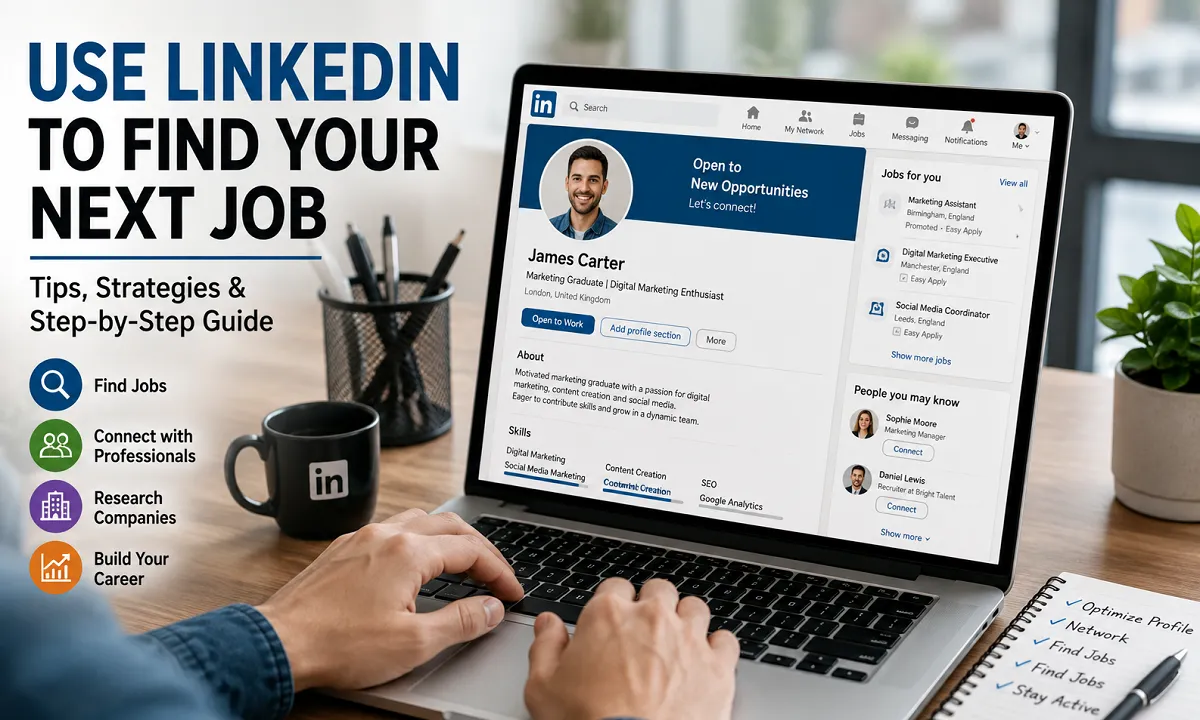
LinkedIn is a professional networking platform that can be useful for students, graduates, career changers and experienced workers looking for opportunities in the UK. It can be a useful job-search tool for students, graduates, career changers and experienced workers looking for opportunities in the UK.
A strong LinkedIn profile can help you build a professional online presence, research employers, connect with people in your industry and find suitable job opportunities.
However, simply creating an account is not enough.
Many job seekers create a LinkedIn profile, add a few details and then wait for opportunities to appear. A better approach is to use your profile as part of your overall job-search strategy.
This guide explains how UK job seekers can use LinkedIn effectively, including how to create a stronger profile, find jobs, connect with recruiters and avoid common mistakes.
What LinkedIn Is and How It Helps Job Seekers
LinkedIn is a professional networking platform where people can create a profile showing their:
- Work experience
- Education
- Skills
- Qualifications
- Projects
- Achievements
- Professional interests
Job seekers can also use LinkedIn to:
- Search for jobs
- Follow employers
- Build professional connections
- Research companies
- Connect with recruiters
- Stay informed about their industry
- Share professional achievements
For many people, LinkedIn can work alongside traditional job boards, job hunting sites, company career pages and recruitment agencies.
It should not necessarily be the only method you use to find a job, but it can be an important part of a wider job-search strategy.
Before applying for any role you find, read the requirements carefully. Our guide on what to look for in a job description can help you decide whether the role is a suitable match.
Why Job Seekers Should Use LinkedIn
There are several reasons why LinkedIn can be useful when looking for work.
1. Build a Professional Online Presence
Employers and recruiters may search online when considering candidates.
Your LinkedIn profile gives you an opportunity to present your professional background in one place.
A well-maintained profile can include information that may not fit easily into a two-page CV, such as:
- Projects
- Certifications
- Professional interests
- Volunteer experience
- Recommendations
- Career achievements
Think of LinkedIn as an online professional profile that supports your CV rather than replaces it.
2. Help Recruiters Understand Your Skills
Recruiters often need to identify candidates with particular skills and experience.
Your profile should clearly explain:
- What you do
- What skills you have
- What industries interest you
- What type of role you are looking for
For example, a headline that simply says:
Looking for Opportunities
does not tell an employer very much.
A clearer headline could be:
Marketing Graduate | Social Media | Content Writing | Digital Marketing | Open to Entry-Level Opportunities
This immediately gives a better idea of the person’s background and career interests.
3. Find Job Opportunities
LinkedIn allows users to search for jobs based on factors such as:
- Job title
- Skills
- Location
- Industry
- Type of work
UK job seekers can search for opportunities in specific locations, including:
- London
- Manchester
- Birmingham
- Leeds
- Liverpool
- Bristol
- Edinburgh
- Glasgow
You can also search for remote job opportunities where available.
Instead of searching only for a broad phrase such as “jobs”, try searching for specific job titles.
For example:
- Junior Marketing Assistant
- Graduate Software Developer
- HR Admin
- Customer Service Adviser
- Accounts Assistant
- Project Coordinator
Specific searches can make it easier to find opportunities that match your skills.
4. Follow Companies You Want to Work For
One of the most useful LinkedIn strategies is to follow companies before you apply for a job.
Make a list of employers you would genuinely like to work for and follow their LinkedIn pages.
This can help you:
- See company updates
- Understand the organisation’s work
- Learn about new projects
- See when the company is growing
- Monitor job opportunities
You can also follow relevant professional organisations, recruitment agencies and industry bodies, but check the source carefully before acting on any job information. Use official employer career pages when you are ready to apply.
Before applying for a role, reading recent company updates may also give you useful information for your application or interview.
5. Build a Professional Network
Networking does not mean sending connection requests to hundreds of random people.
A better approach is to build genuine professional connections over time.
You could connect with:
- Former colleagues
- University classmates
- Lecturers
- Managers
- People working in your chosen industry
- Recruiters
- People you meet at professional events
A strong professional network can help you stay informed about your industry and hear about opportunities.
When sending a connection request to someone you do not know well, a short personalised message can be more professional than sending a completely blank request.
6. Research Companies Before Applying
LinkedIn company pages can provide useful information about potential employers.
Before applying, you can look at:
- What the company does
- Recent updates
- The company’s size
- Employees working there
- The organisation’s areas of work
You may also be able to find people working in the department or type of role that interests you.
This can help you understand the skills and experience commonly found within the organisation.
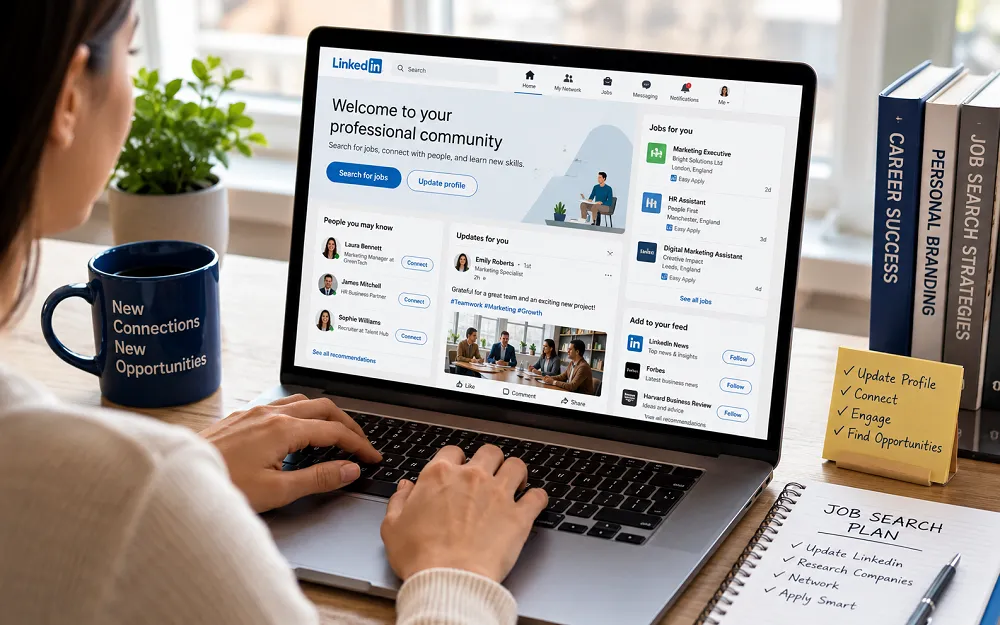
How to Create a LinkedIn Profile for Job Searching
Your LinkedIn profile should clearly explain your professional background and career direction.
Here are the main areas to focus on.
1. Choose a Professional Profile Photo
Your profile photo should be clear and recent.
You do not need an expensive professional photoshoot.
A simple photograph with:
- Good lighting
- A clear view of your face
- Appropriate clothing
- A simple background
is usually enough.
The aim is to present yourself professionally.
2. Write a Clear LinkedIn Headline
Your headline is one of the first things people see.
Avoid making it too vague.
Weak Example
Student Looking for a Job
Better Example
Business Management Graduate | Administration | Customer Service | Open to Entry-Level Opportunities
The second example provides more useful information about the person’s background and interests.
Try to include terms related to the type of work you are targeting.
3. Write an Effective About Section
Your About section should provide a short introduction to your background and career goals.
You can include:
- Your education or experience
- Your main skills
- Your career interests
- Relevant achievements
- The type of opportunity you are seeking
Keep the language simple and professional.
For example:
I am a recent Business Management graduate with an interest in administration, customer service and business operations. Through university projects and practical experience, I have developed communication, organisation and problem-solving skills. I am seeking an entry-level opportunity where I can develop my skills and contribute to a professional team.
The best About sections sound natural and clearly explain what you can offer.
4. Add Your Education and Qualifications
Include relevant education, qualifications and certifications.
This may include:
- University degrees
- College courses
- Professional certifications
- Online courses
- Technical training
You do not need to include every course you have ever completed.
Focus on qualifications that are relevant to your career direction.
5. Add Relevant Skills
Choose skills that support the type of job you want.
For example, someone seeking a digital marketing role might include:
- Content writing
- Social media
- Search engine optimisation
- Email marketing
- Google Analytics
Someone seeking an administrative role might include:
- Microsoft Office
- Data entry
- Customer service
- Scheduling
- Organisation
Avoid adding large numbers of unrelated skills simply to make the profile look fuller.
6. Add Projects and Achievements
Projects can be particularly useful for students, graduates and people with limited work experience.
You could include:
- University projects
- Personal projects
- Portfolios
- Volunteer work
- Freelance work
- Competitions
- Major achievements
A project can demonstrate your skills even if you have not yet held a full-time job.
What Should Freshers Put on LinkedIn With No Work Experience?
One of the biggest concerns for students and freshers is:
What should I put on LinkedIn if I have no job experience?
The answer is that you can still create a useful profile.
Focus on other forms of experience.
You could include:
Education:
Mention your course and relevant subjects.
Academic Projects:
Include important assignments, research or group projects.
Internships:
Even short internships can demonstrate workplace experience.
Volunteer Work:
Volunteer experience can show responsibility and commitment.
Certifications:
Include relevant courses and qualifications.
Personal Projects:
For example:
- A website you created
- A portfolio
- A social media project
- A coding project
- A research project
University Activities:
You can mention relevant societies, events or positions of responsibility.
The important thing is to show what you have done and what skills you have developed.
How to Use LinkedIn to Find Jobs in the UK
Searching for jobs is one of LinkedIn’s most useful features.
Start by searching for specific roles rather than simply entering a general word such as “job”.
You can also use different search terms.
For example, if you are looking for your first HR role, try searching for:
- HR Assistant
- HR Consultant
- HR Coordinator
- People Administrator
- Junior HR Assistant
Searching for several related job titles can help you find opportunities that might otherwise be missed.
Set Your Job Preferences Clearly
Think about the type of job you want.
Consider:
- Job titles
- Preferred locations
- Remote work
- Hybrid work
- On-site work
- Full-time work
- Part-time work
- Contract opportunities
Keeping your preferences clear can also help you stay focused during your job search.
Review and update them when your circumstances change.
Set Up Job Alerts
Job alerts can save time.
Instead of manually searching for the same role every day, create alerts for positions that interest you.
For example, you could create separate alerts for:
- Marketing Assistant in Manchester
- Graduate Marketing Jobs
- Junior Content Writer
- Digital Marketing Assistant
Use more than one relevant search where appropriate.
However, avoid creating so many alerts that your inbox becomes difficult to manage.
How to Connect With Recruiters on LinkedIn
Recruiters can be useful contacts, particularly when they specialise in your industry.
Search for recruiters who work with roles related to your career interests.
Before contacting them, make sure your profile is reasonably complete.
Your message does not need to be long.
For example:
Hello [Name], I hope you are well. I am currently looking for entry-level opportunities in digital marketing and noticed that you recruit within this area. I would be pleased to connect and stay informed about suitable opportunities.
Keep your message polite and professional.
Do not send repeated messages demanding a response.
How to Use LinkedIn’s Open to Work Feature
If you are actively looking for a new job, you can consider using LinkedIn’s Open to Work feature.
You can specify information such as:
- Job titles
- Preferred locations
- Employment types
- Work location preferences
You can also choose who can see your job-search status.
Before enabling the feature, consider your personal circumstances, particularly if you are currently employed.
Make sure the information you provide matches the type of job you genuinely want.
How to Make Your LinkedIn Profile More Relevant to Recruiters
Keep your profile aligned with your career goals.
If you want a particular type of role, make sure relevant information appears naturally in your:
- Headline
- About section
- Experience
- Skills
- Projects
For example, someone seeking a data analyst role should make sure relevant skills and projects are clearly visible.
This does not mean repeating the same keyword excessively.
Use natural language and accurately describe your experience.
Your profile should help someone quickly understand:
- Who you are
- What you can do
- What type of work interests you
Be Active on LinkedIn
You do not need to post every day.
However, maintaining some activity can help you stay connected with your professional community.
You can:
- Follow relevant companies
- Read industry updates
- Like useful posts
- Leave thoughtful comments
- Share relevant articles
- Post about professional projects or achievements
Quality is more important than posting frequently.
Avoid posting simply because you think you must remain active.
Share or discuss information that is genuinely relevant to your professional interests.
Common LinkedIn Mistakes Job Seekers Should Avoid
Many job seekers create profiles that contain avoidable mistakes.
Here are some common examples.
1. Using a Generic Headline
Your headline should provide useful information about your skills or career direction.
2. Leaving Important Sections Empty
An incomplete profile can make it difficult for others to understand your background.
3. Using an Unprofessional Profile Photo
Choose a clear and appropriate photograph.
4. Adding Too Many Unrelated Skills
Focus on skills connected to your career goals.
5. Sending Random Connection Requests
Try to build a relevant professional network.
6. Sending Generic Messages to Recruiters
If you contact someone, explain briefly why you are reaching out.
7. Never Updating Your Profile
Update your profile when you gain new experience, qualifications or skills.
8. Applying for Every Available Job
Applying for jobs that do not match your skills can waste time.
Focus on roles where you meet a reasonable number of the requirements.
9. Ignoring Company Pages
Following relevant employers can help you stay informed.
10. Treating LinkedIn as Your Only Job-Search Tool
Use LinkedIn alongside:
- Company career pages
- Job boards
- Recruitment agencies
- Professional networking
- Career services
A balanced job-search strategy is usually better than relying on a single website.
LinkedIn Tips for Students and Freshers
If you are just starting your career, focus on building your professional profile gradually.
You can begin by:
- Adding your education.
- Choosing a professional photo.
- Writing a clear headline.
- Listing relevant skills.
- Adding projects and achievements.
- Connecting with people you know.
- Following employers and organisations in your chosen industry.
- Looking for internships and entry-level jobs.
Do not worry if your profile looks smaller than that of someone with ten years of experience.
Your profile should reflect your present stage.
As you gain experience, you can continue improving it.
Is LinkedIn Premium Necessary for Job Seekers?
No. A free LinkedIn account can still provide useful tools for building a profile, networking and searching for jobs.
Whether a paid subscription is worthwhile depends on your personal circumstances and the features you believe would be useful.
For many job seekers, the most important first step is simply to create a strong and complete profile.
Do not assume that paying for a subscription will replace the need for:
- How to Write a CV for a Job in the UK: Complete Guide
- Relevant skills
- A targeted job search
- Professional networking
- Strong applications
Your job-search strategy is more important than the type of account you use.
A Simple LinkedIn Job-Search Checklist
Before actively applying for jobs, check the following:
Profile
- Is your profile photo clear and professional?
- Does your headline explain your career direction?
- Have you completed your About section?
- Is your education up to date?
- Have you added relevant skills?
Experience
- Have you included relevant work experience?
- Have you added projects and achievements?
- Have you explained your main responsibilities clearly?
Job Search
- Have you selected relevant job preferences?
- Are you searching using specific job titles?
- Have you created useful job alerts?
- Are you following target employers?
Networking
- Have you connected with people you know professionally?
- Are you following people and organisations in your industry?
- Are your messages professional and respectful?
Final Thoughts
LinkedIn can be a useful part of a job search, particularly when used alongside other methods.
The most important thing is not simply having a LinkedIn account.
Your profile should clearly show your skills, experience and career interests.
Start by improving the basic sections of your profile, following relevant employers and searching for specific job opportunities.
If you are a student or fresher, focus on projects, education, skills and achievements rather than worrying about having years of work experience.
A strong LinkedIn profile will not guarantee a job, but it can support a more organised search, help you build a professional online presence and make it easier to research employers and maintain useful connections.
For the wider job-search process, including finding suitable vacancies and improving your applications, see our guide to getting a job when there are fewer vacancies. Before an interview, use our complete job interview preparation guide.
Use it consistently, keep your information up to date and treat it as one useful part of your overall career strategy.




How to Start a Career in Sports and Leisure in the UK
A practical guide to sports and leisure careers in the UK, covering jobs, qualifications, apprenticeships, skills, experience, CVs and career...


How to Start a Career in Travel and Tourism in the UK
Travel and tourism is a broad career sector with opportunities in travel agencies, airports, airlines, visitor attractions, tours, hotels, heritage...


How to Start a Career in Property and Real Estate in the UK
Property and real estate is a broad career field covering residential property, commercial buildings, land, development, valuation, lettings, property management...


How to Start a Career in Hospitality in the UK
Thinking about hospitality as a career in the UK? Compare hotel, restaurant and guest service roles, entry routes, skills, apprenticeships...


How to Start a Career in Retail in the UK
Thinking about a retail career in the UK? Compare retail roles, entry routes, apprenticeships, skills, experience, CV tips and ways...


How to Start a Career in Science and Research in the UK
Planning a science or research career in the UK? Compare career paths, qualifications, apprenticeships, skills and practical ways to get...


How to Start a Career in Law in the UK
Thinking about a career in law? This guide explains UK legal career routes, qualifications, solicitor and barrister pathways, apprenticeships, skills,...


How to Start a Career in Education in the UK
Thinking about a career in education? Compare teaching and non-teaching roles, qualifications, apprenticeships, experience, skills and practical steps for getting...


How to Start a Career in Marketing in the UK
Marketing is a broad career field that combines communication, creativity, research, data and business thinking. It includes traditional marketing as...


How to Start a Career in Healthcare in the UK
Healthcare is one of the UK’s broadest career areas. It includes doctors and nurses, but also healthcare assistants, laboratory staff,...


How to Start a Career in Human Resources (HR) in the UK
Photo by Vitaly Gariev on Unsplash Human resources, usually called HR, is a people-focused career that combines communication, organisation, business...


How to Start a Career in Construction in the UK
Construction is one of the UK’s broadest career sectors. It includes hands-on trades such as bricklaying, carpentry and plumbing, as...


How to Start a Career in Energy and Utilities in the UK
Planning a career in energy and utilities in the UK? See job options, apprenticeships, qualifications, skills and practical steps to...


How to Start a Career in Media and Communications in the UK
Planning a media and communications career in the UK? Compare job options, entry routes, apprenticeships, skills, experience and practical steps...


How to Start a Career in Environmental and Sustainability Jobs in the UK
Environmental and sustainability careers are becoming an important part of many UK workplaces. Jobs in this area can involve protecting...


How to Start a Career in Cybersecurity in the UK
Thinking about a cybersecurity career in the UK? Here is a practical guide to skills, qualifications, entry-level roles, applications and...


How to Start a Career in Engineering in the UK
Thinking about engineering as a career in the UK? Here is a practical guide to engineering fields, qualifications, apprenticeships, skills,...


How to Start a Career in Government and Public Services in the UK
Thinking about a career in government or public services? This guide covers job options, entry routes, apprenticeships, skills, applications and...


Rolls-Royce Internship UK: Eligibility, Opportunities & How to Apply
Find Rolls-Royce internships in the UK with practical guidance on eligibility, opportunities, applications, assessments, skills and preparation.


How to Start a Career in Transport and Logistics in the UK
Planning a career in transport and logistics in the UK? See entry-level roles, apprenticeships, qualifications, skills and practical steps to...
-
 Career3 years ago
Flexible Jobs for Older Adults in the UK: 7 Career Options
-
 Jobs8 months ago
Second Jobs in the UK: 15 Practical Ways to Earn Extra Income
-
 How-to8 months ago
How to Use Google Gemini for Freelance Work and Career Skills
-

 Career2 years ago
Free Job Posting Sites in the UK: Options for Employers
-
 How-to8 months ago
How to Build Passive Income: 20 Income-Producing Assets for Long-Term Financial Growth
-

 AI & Tools8 months ago
How to Use Google Gemini for Productivity at Work
-

 Job Description3 years ago
Support Worker Job Description: Duties, Skills, Salary and Career Guide UK
-

 AI & Tools8 months ago
ChatGPT vs Microsoft Copilot: Which AI Is Best for You?